Introduction
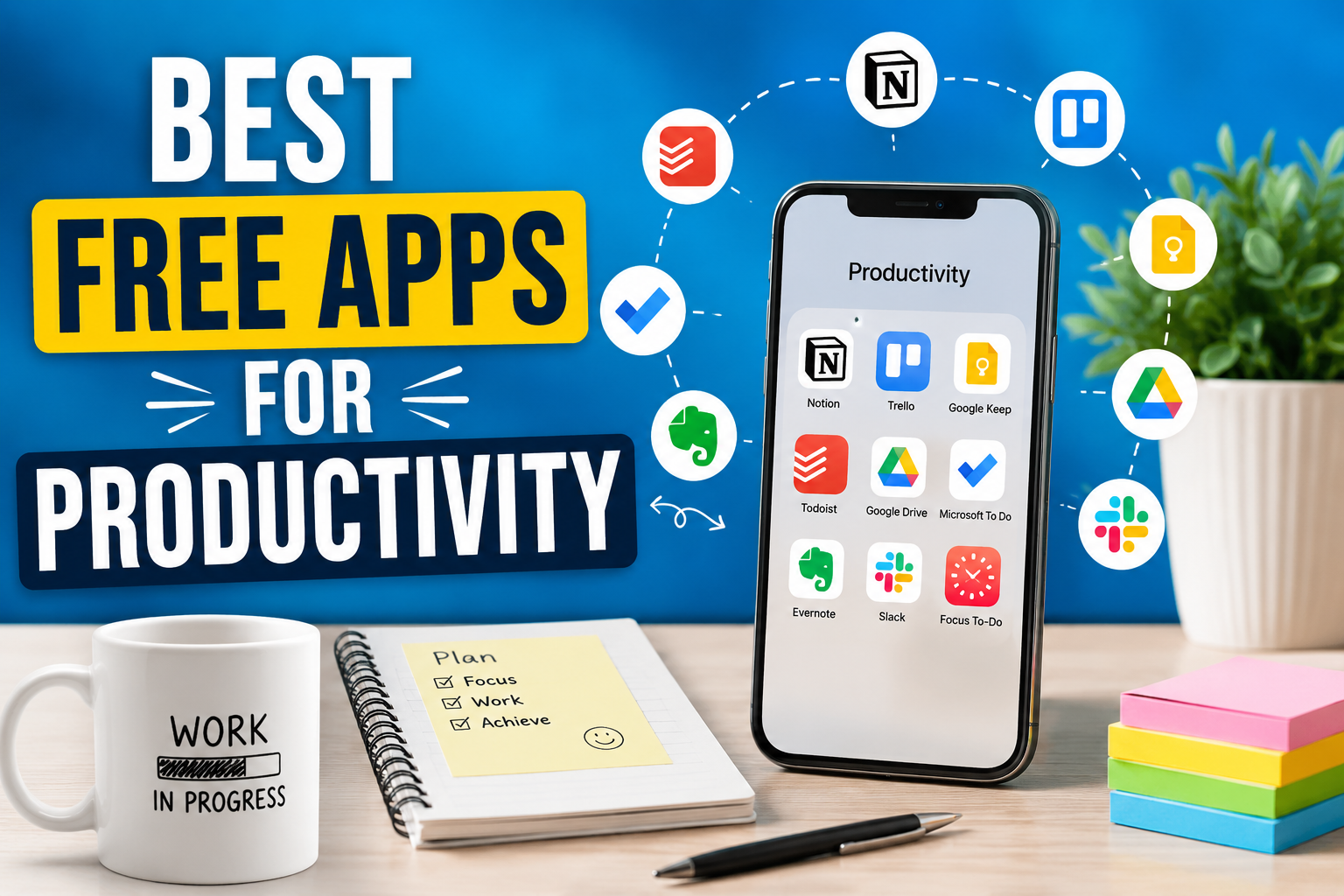
Productivity is not about working longer hours, it is about using time wisely. Best free productivity apps help you plan tasks, stay focused, and manage daily work without stress. In today’s fast digital world, distractions are everywhere, which makes productivity tools very important for students, professionals, and online workers. The good news is that many powerful productivity apps are completely free and easy to use.
The good thing is that you do not need to spend money to stay organized. Many free apps offer powerful features that help you plan your day, manage tasks, focus better, and work more efficiently. Whether you are a student, freelancer, business owner, or office worker, free productivity apps can help you improve your daily routine.
In this blog, we will explore the best free apps for productivity. Each app is explained in detail so you understand how it works and why it is useful. All apps mentioned here are free to use and trusted by millions of users worldwide.
Why Productivity Apps Are Important
Understanding the value of productivity tools is necessary prior to discussing specific apps for productivity management. Many of us feel like we are always doing something but constantly feel like we are falling further behind and unable to finish what needs to be done because of an inability to keep track of what we’ve done. This results from our inability to properly organize our jobs. Therefore, as you hold on to the list of tasks you need to complete in your mind, you will feel an increase in your level of stress.
The use of productivity applications provides a structure to your tasks. They allow you to create lists, create reminders, plan schedules and create a system to track your progress. As a result of using productivity applications you can trust your productivity applications to remind you to do what you need to get done instead of constantly remembering everything in your head increasing the pressure on your brain and allowing you to focus on completing your tasks.
Another benefit of productivity applications is that they can provide time awareness also called how much time you are spending. By knowing how much time you are spending on each job you are able to identify ways to improve both the time you’re wasting and how much time you need to put into completing your current project.
Best Free Task Management Apps
Todoist
With Todoist, you can manage your daily tasks in a straightforward manner. You can do so by creating new tasks, assigning deadlines to each task, or grouping tasks within projects such as study, business, work, or personal projects.
When creating new tasks within the app, you can do so through the use of simple phrases to enter the task.
For the majority of users, the free version will provide everything you need; reminders, priority levels and current task progress. You can use Todoist on many different devices including mobile devices, desktop computers and through a web browser which allows your tasks to remain synced to all of your devices.
Microsoft To Do
Microsoft To Do is a free app that focuses on simplicity and daily planning. It is ideal for users who want a clean and easy to use task manager. You can create multiple lists, set reminders, and add due dates.
One special feature is the My Day section. It helps you plan your day by choosing the most important tasks. Every day starts fresh so you can focus on what matters today.
Microsoft To Do works very well if you already use Microsoft products. It syncs with Outlook and other Microsoft services. The app is completely free and works smoothly on all devices.
Best Free Note Taking Apps
Google Keep
Google Keep is a simple and fast note taking app. It is perfect for saving quick ideas, reminders, and short notes. You can write text notes, create checklists, record voice notes, and even add images.
Notes in Google Keep appear as colorful cards. You can label and color notes to organize them easily. The search feature makes it easy to find any note quickly.
Google Keep syncs automatically with your Google account. This means your notes are available on your phone, tablet, and computer without extra effort.
Evernote Free Version
Evernote is a feature-rich application that is handy for writing long-form detailed notes, as it allows you to add text, images, and other types of files to your notes. The free version of this software allows you to create your own notes and organize them into notebooks with tags that help facilitate searches.
Evernote is an excellent tool for a variety of purposes, including research, organization, and writing, and it is a one-stop shop for storing web pages, thoughts, and other documents. There is a robust and highly efficient searching mechanism available that will even present text from images.
Although the free version of Evernote is slightly limited in some ways, it still provides a great resource for students, bloggers and working professionals.
Best Free Focus and Time Management Apps
Forest
Forest is a unique productivity app that helps you focus by using a simple concept. When you want to work, you plant a virtual tree. The tree grows while you stay focused. If you leave the app to check social media, the tree dies.
This method encourages you to stay away from distractions. Over time, you grow a forest that shows how much time you spent focusing. It is especially helpful for people who struggle with phone addiction.
Forest makes focus feel rewarding and fun. The free version offers enough features to improve concentration.
Pomodoro Timer Apps
The Pomodoro Technique is a well-known way of managing time. This technique consists of committing yourself to do work for fixed amounts of time usually 25 minutes and then taking a break afterwards. Doing this will reduce fatigue and keep your mind indelibly fresh.
On the internet there are numerous free apps that let you use the Pomodoro technique to help you complete tasks. An example of one such application is Focus to Do. It combines a task manager with a timer allowing you to subsequently link your task to a Pomodoro session and helps you keep track of how long it takes to complete each Pomodoro session.
Using a Pomodoro timer will allow you to complete work in short periods of really focused work instead of longer hours of extremely exhausting work.
Best Free Calendar and Planning Apps
Google Calendar
The Google calendar can be an extremely useful way to manage your time. You can schedule events, appointments, and deadlines on this free application. You can also create reminders for items that need to get done.
You could also maintain separate calendars for various categories of existence such as business, personal etc Using color coding for each calendar makes it visually easy to see your overall schedule.
Using Google Calendar along with Gmail gives you easy access across mobile and computer versions of the Google product and will be a great asset in successfully managing daily tasks.
Calendly Free Plan
With Calendly, it only takes one link to send out your availability so the person you’re meeting with can then select a time that works for both of you.
The free version contains basic features like basic scheduling, calendar synchronization, and is particularly useful if you are a freelancer, consultant, or small business owner that does a lot of scheduling calls.
In addition to handling scheduling via email instead of sending multiple emails back and forth, Calendly also provides an easy way to keep track of appointments and communicate more effectively with those you are meeting with.
Best Free Cloud Storage Apps
Google Drive
Within Google Drive you can easily save your documents photos and any other types of files online using Google’s free cloud-based storage service. You can access your files on virtually any device with a web connection.
Google Docs, Sheets and Slides are also included with a Google Drive account. These three applications allow users to create and edit files online and to share files with others so they can collaborate in real-time.
Google Drive will help you become more productive by storing all of your work in one central, secure, and convenient location.
Dropbox Basic
Dropbox Basic, a second free option for an online storage solution, offers a cloud based storage solution plus content synchronization across multiple devices through the Dropbox application. Any changes to your file are automatically made across all devices linked to the Dropbox account.
As an easy-to-use, reliable and secure file synchronization service, Dropbox can also be utilized to back up your own files as well as provide a means to share your files with others using hyperlinking.
Best Free Communication and Collaboration Apps
Slack Free Version
Slack provides teams with a method of working together where team members can communicate and organize discussion through the use of channels. Channels can be created based on a topic, project or department so that the messages will always be easy to find when needed.
In the free edition of slack you’ll be able to send messages, share files and perform search functions until you hit your maximum limit.
Slack can help reduce the number of long email threads and help improve how well teams work together.
Slack also can be used by anyone from anywhere and makes it a common choice for businesses who have staff working remotely.
Microsoft Teams Free Plan
Microsoft Teams offers chat, video calls, and file sharing in one app. It is useful for teams, students, and online meetings. You can create groups, schedule calls, and collaborate on documents.
The free plan includes basic features that are enough for small teams. Teams works best with Microsoft services but can be used independently as well.
Best Free Habit Tracking Apps
Habitica
Habitica happens to be a fun, gamified approach to habit tracking where users can create real-life tasks and habits to be completed in order to earn reward points in the Habitica mobile and web app. Each time users fail to follow through with completing a task, the user’s character loses points.
By offering a game-like atmosphere, Habitica encourages users to maintain consistency by keeping them engaged through the use of fun, supportive rewards.Since it is a mobile and web application at no charge, Habitica is also highly convenient for individuals that enjoy gamification, as well as being a user-friendly application.
Loop Habit Tracker
Loop Habit Tracker is a simple and clean habit tracking app. You add habits and track them daily. The app shows progress charts so you can see how consistent you are.
It does not include unnecessary features. This makes it easy to use and focus on habit building.
Tips to Use Productivity Apps Effectively
It’s equally important to choose the right productivity application as it is to implement that application’s use. If you’re just starting out, limit yourself to installing only a few productivity applications — too many choices may cause confusion.
Develop a habit of reviewing your task list daily – as soon as you wake up and prior to sleeping through the night- and keeping your notes organized. Every day, make sure to keep your calendar current.
Do not expect everything to be perfect when you’re using a productivity application; create a simple, flexible approach. Over time, productiveness will improve through continued utilization of your productivity application.
Final Thoughts
Using free productivity applications can change how you work and live by giving you tools for doing tasks, staying focused, planning your time and developing good habits. You do not require expensive resources to have a productive life these applications will assist you every day to accomplish what you want through their features.
When selecting the applications, it is necessary to choose the ones that match your requirements and apply them consistently. Daily planning small enhancements ultimately create significant effects throughout time. You may want to try some of these applications and see if they offer you assistance in being to do things in an organised and focused manner with little to no stress.