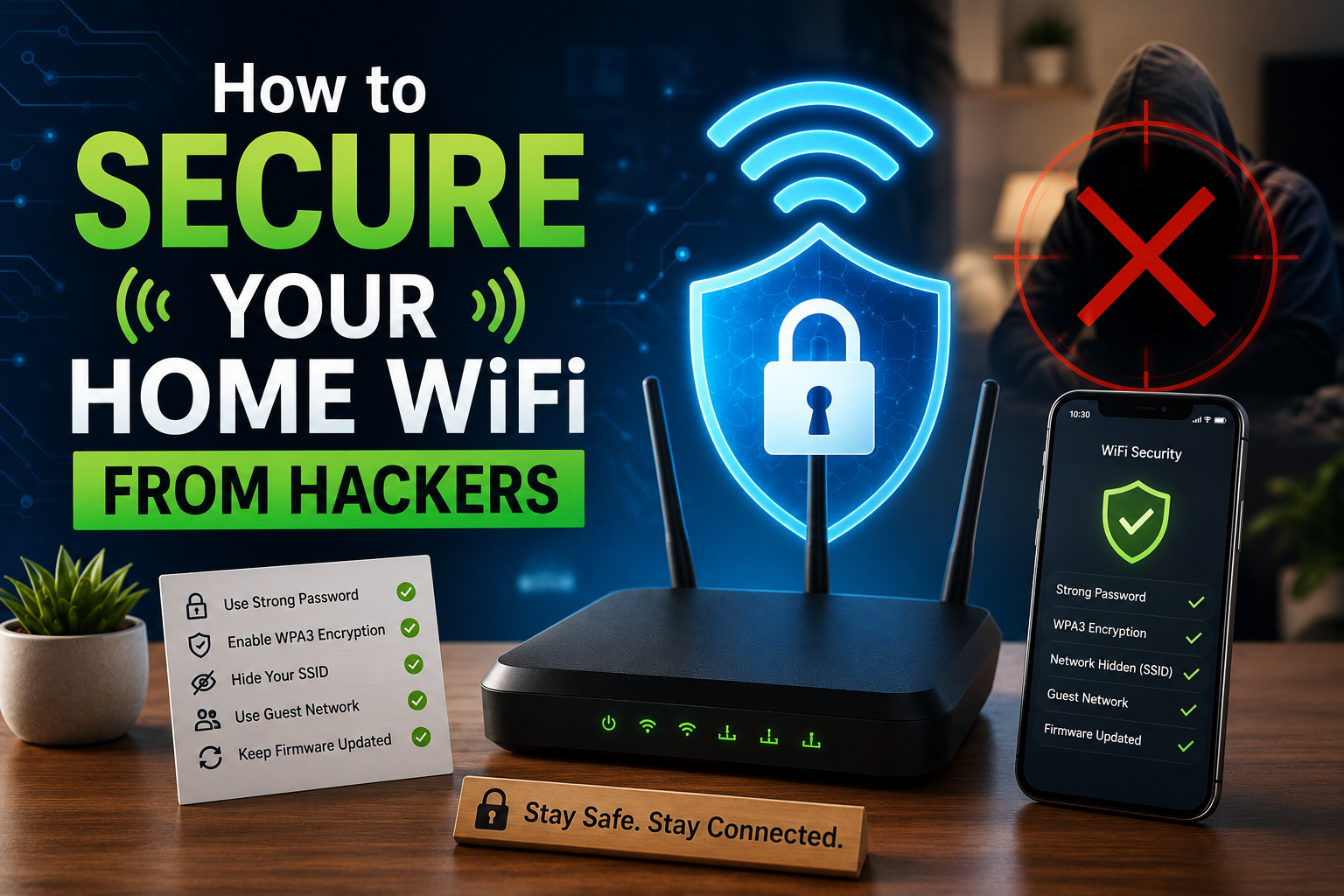
In the digital age that we live in, it’s important to ensure that your home WiFi is secure against hacking. Many people use their home WiFi for online banking, working from home, conference calls, streaming on their smart TV, and connecting their security cameras. If your WiFi network is not secure, hackers have the ability to steal personal information, track your online activity and misuse any of the devices that are connected to your router. Many believe that hacking only occurs at large corporations and businesses when in actuality, home networks are typically much more vulnerable to hacking than business networks.
Change Router Settings to Secure Home WiFi From Hackers
Many new routers still come with the same pre-set username and password combination that can be easily found online. As hackers already know the default username and password combinations of routers, your router control panel remains vulnerable unless you change them. If unauthorised access is gained to your router, it is possible for someone to access the router settings and change passwords or access your internet traffic without your knowing or block you from entering any more of the router’s features. Therefore, it is always good practice to change your router’s username and password right after you install it; be sure to choose a username and password combination that no one would be able to guess.
Use a Strong Password to Secure Home WiFi
An unprotected wireless network is an easy target for hackers. Short or commonly used passwords can be quickly cracked by using one of the many free Haking Tools available on the Web. Therefore, you need to create long and complex passwords for your wireless network and make sure you use a combination of letters and numbers in the password. Never use your name, date of birth or phone number in your wireless network password. If many people know your password, you should change it immediately. Updating your wireless network password frequently will enhance the overall security of your wireless network.
Enable Encryption to Secure Home WiFi From Hackers
Data transmission between a device and the Internet is only secure if the data is encrypted. If you don’t have encryption, then your online behaviour is open to hackers to see. If your router has it (most likely), then select WPA3; if it does not, use WPA2. Never use WEP, as it is an old technology that is not considered safe. Strong encryption will keep your passwords, emails, and other personal information safe.
Update Router Firmware Regularly
Router firmware controls how your device works. Old firmware often contains security problems. Router companies release updates to fix these issues. If your router is not updated, hackers can use known weaknesses to break into your network. Check for updates in router settings. Enable auto updates if available to stay protected.
Disable Remote Management Access
The ability to remotely access your router from outside your home is an option available with remote management. If you do not require this remote access feature, it is recommended to disable it. Hackers frequently use remote management functions to gain access to home networks. By turning off this option, the number of potential entry points for hackers is minimized, resulting in an overall increase in security.
Change the WiFi Network Name
You can learn a lot from your router or personal information based on your WiFi name. For example, you shouldn’t use your entire full name or even your physical address within the WiFi name; therefore, try to change your WiFi name to something that is more generic. You can also hide your WiFi name (SSID) for additional privacy, but again, make sure you also have a long password and use encryption to protect your WiFi.
Use a Guest Network for Visitors
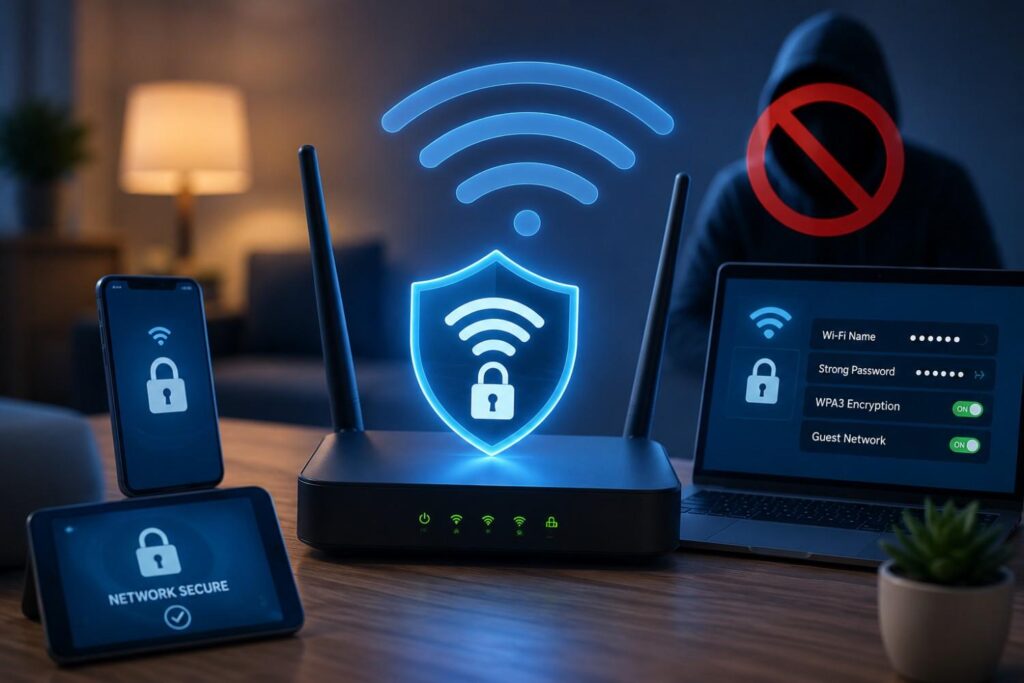
Exposing your devices to possible vulnerabilities is created by letting guests use your shared WiFi. Guests may not have secure devices, which is where guest networks become helpful. By setting up a guest network for guests’ use, they will have an internet connection without gaining access to your personal devices (e.g., laptops, phones, smart cameras). You should always turn on your guest network if your router has that capability.
Check Connected Devices to Secure Home WiFi
Review your router configuration and see if there are any illegal or unauthorized users. Remove the users from your network and change your WiFi password. Regular monitoring of your WiFi network will help you detect early signs of unauthorized use and keep it under your control.
Secure Smart Home Devices
Hackers often target smart gadgets like cameras, lights, and speakers because many individuals neglect to secure them. Change the default user names and passwords of your smart gadgets regularly and update their software periodically. When feasible connect smart gadgets only to a separate network reducing their risk and protecting your privacy.
Turn Off WPS Feature
Using a WPS button or PIN makes it easy for people to connect to your Wi-Fi network, but it also makes it possible for unauthorized users to connect. An attacker can often guess your WPS PIN very quickly.
By disabling WPS on your router, you remove that vulnerability from your wireless network, increasing your overall Wi-Fi security.
Turn Off WiFi When Not in Use
When you’re away from home or have been not using the internet for a while, it’s best to unplug your router completely. If the router doesn’t have power, it cannot be compromised by hackers. This small act will provide you with additional security if you take longer breaks between use of the network.
Key Takeaway
Because of the rise of technology, the need to secure your home WiFi network has become much more important. Just a single compromised setting allows for the exposure of all your data and all of your devices. It is possible to totally eliminate the use of default settings and weak password usage if you change them frequently use strong passwords, enable encryption for example, WPA regularly update your router firmware, and check to see what devices are connected to your Wi-Fi network. By securing your WiFi network, you will be able to protect your data, privacy, and mental state.